
Know the setting
Site → habitat → stockConnect the production stage and stock before a feeding check.
AquaOS / The operating layer
Bring stock, feeding, water observations and follow-ups into one operating history—so your team can see what changed and what needs attention.
In development · proposed operator beta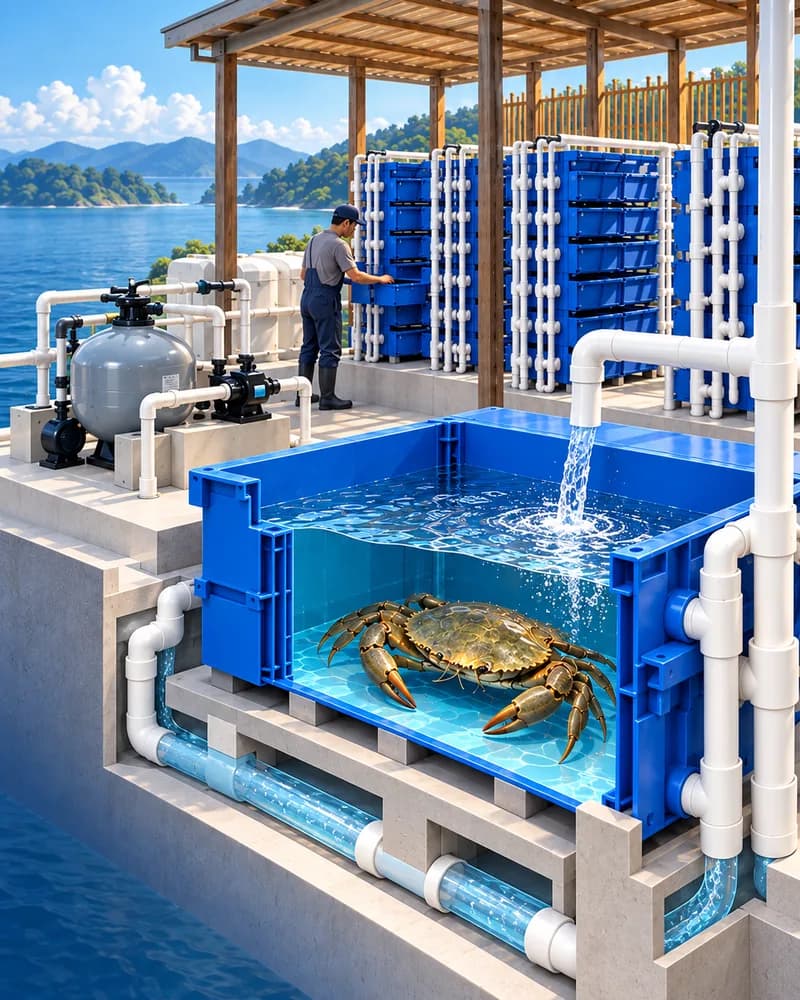
A concrete operating example
Why an operating layer?
Seed and stock, production stage, water, feeding and labour all shape the work. Connecting the records helps teams see what happened, what they chose and what still needs checking.
The intended operating loop
Designed around the operator
Four connected jobs for the proposed operator workspace.
Connect the production stage and stock before a feeding check.
Bring observations from successive rounds into the same history.
Show the observation behind a pending inspection and any missing context.
Keep a later observation, weight or transfer connected to the same stock.
The operator experience
The planned copilot draws on operating records, showing both its evidence and missing information.
Help shape the operator beta“What changed since the last feeding check, and which follow-up is still open?”
B-12: feed refusal recorded → inspection assigned → follow-up observation still missing.
What you can explore and what comes next
Beta interest starts a fit discussion. Product access, physical integration and production benefits each depend on the agreed scope and validation.
Try the public sample. It saves no farm records and controls no equipment.
A focused workspace for context, observations, follow-ups and record-grounded assistance. Scope and participant fit are being planned.
Connect CrabSense and CrabPod after testing permitted actions, hardware integration and production outcomes.
From records to evidence
Connect the action to what happened afterwards. A recorded task alone cannot show a biological result.
Survival, growth, water, labour and economics guide what we observe and validate.
Explore research & validationHelp shape the first useful AquaOS workflow around your production setting and daily work.